Internal Team Resource
SW LABS — PROCESS MAP
A complete visual guide to how the SW Labs website works, how orders flow through the system, and how new team members can start operating effectively from day one.
01
WEBSITE OVERVIEW
Live URL
delightful-semifreddo-06b2b5.netlify.app
Products
4 Research Compounds
Contact
t.me/+MBk5FkePIXg3YzQ1
What this website does
Showcases Products
Displays all 4 research compounds (Retatrutide, MT-2, GHK-CU, BAC Water) with full scientific information and imagery.
Drives Telegram Enquiries
Every page has multiple Telegram CTA buttons that route potential customers directly to the group for ordering.
Builds Credibility
Scientific language, purity data, molecular information, and research disclaimers position SW Labs as a legitimate professional supplier.
Legal Protection
Research disclaimers, terms, privacy policy, and "research use only" notices are placed prominently throughout the site.
02
SITE FLOW MAP
Every page of the site and how they connect. Clicking any node opens that live page. The green nodes are the highest-traffic, most important pages.
03
PAGE-BY-PAGE GUIDE
What each page shows, why it exists, and what visitors do on it.
Home Page
Most Visited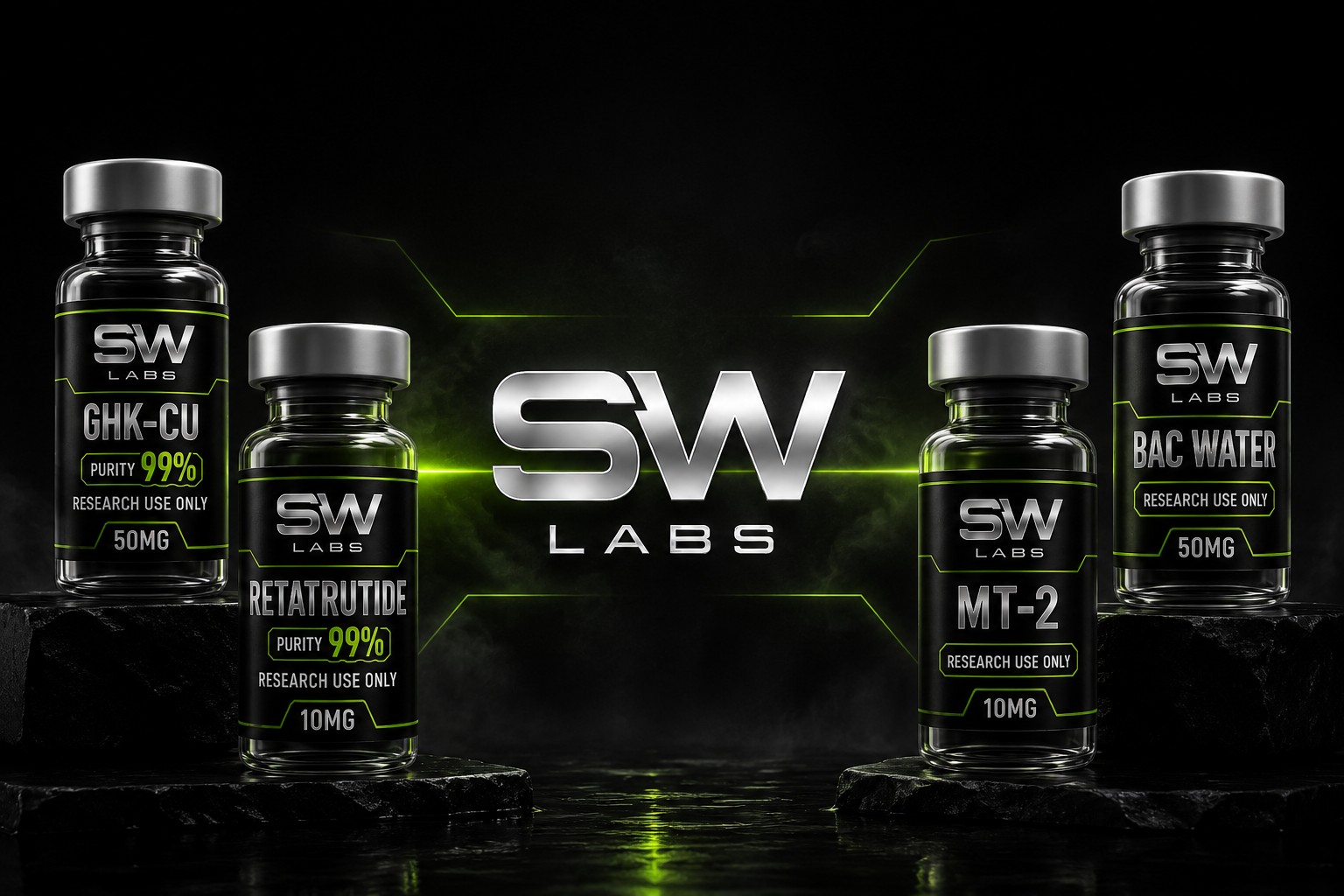

The main landing page. Visitors arrive here first. Its job is to make an instant strong impression, showcase the brand, and push people to either browse products or click Telegram.
Page Sections
Products Page
High Traffic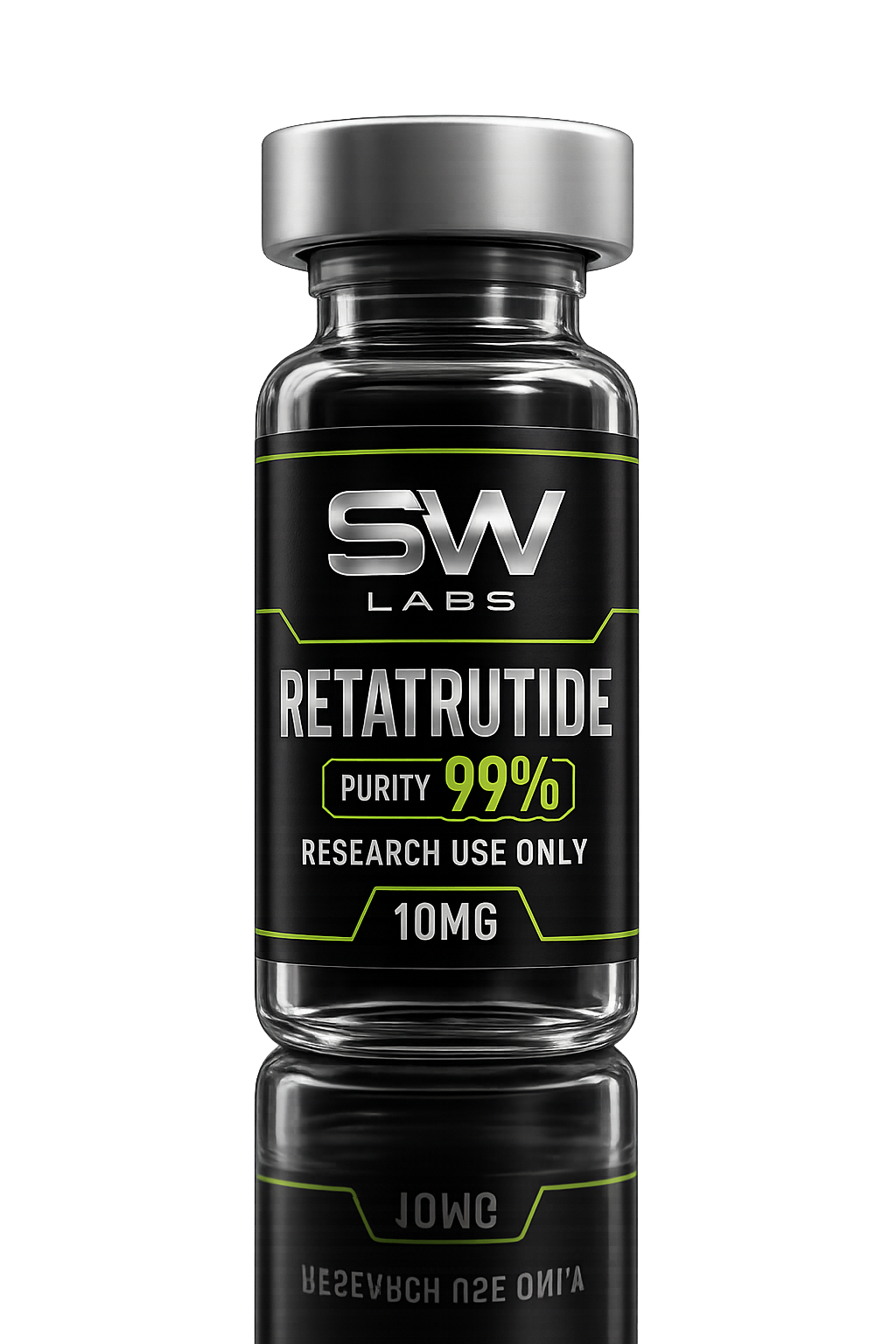
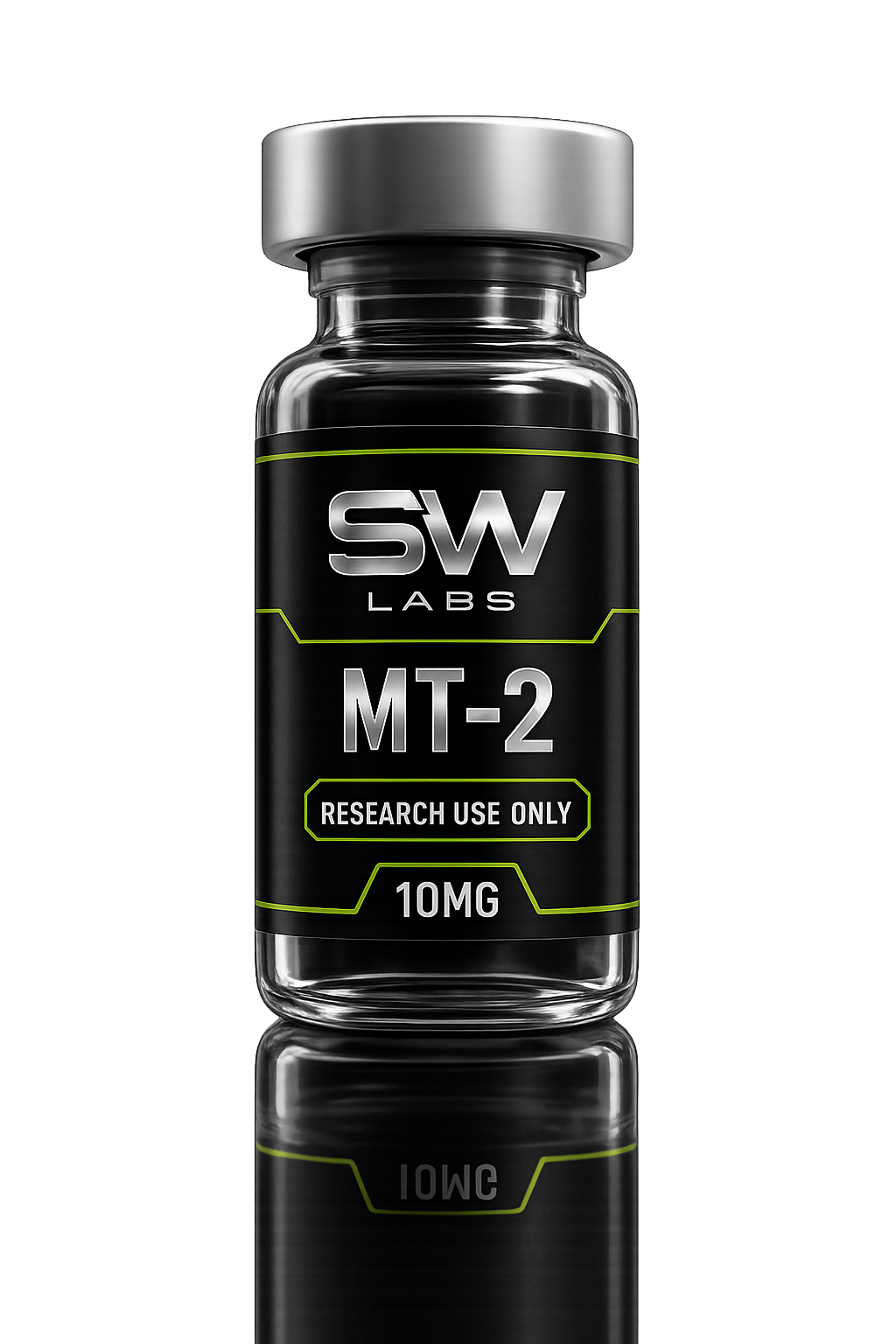
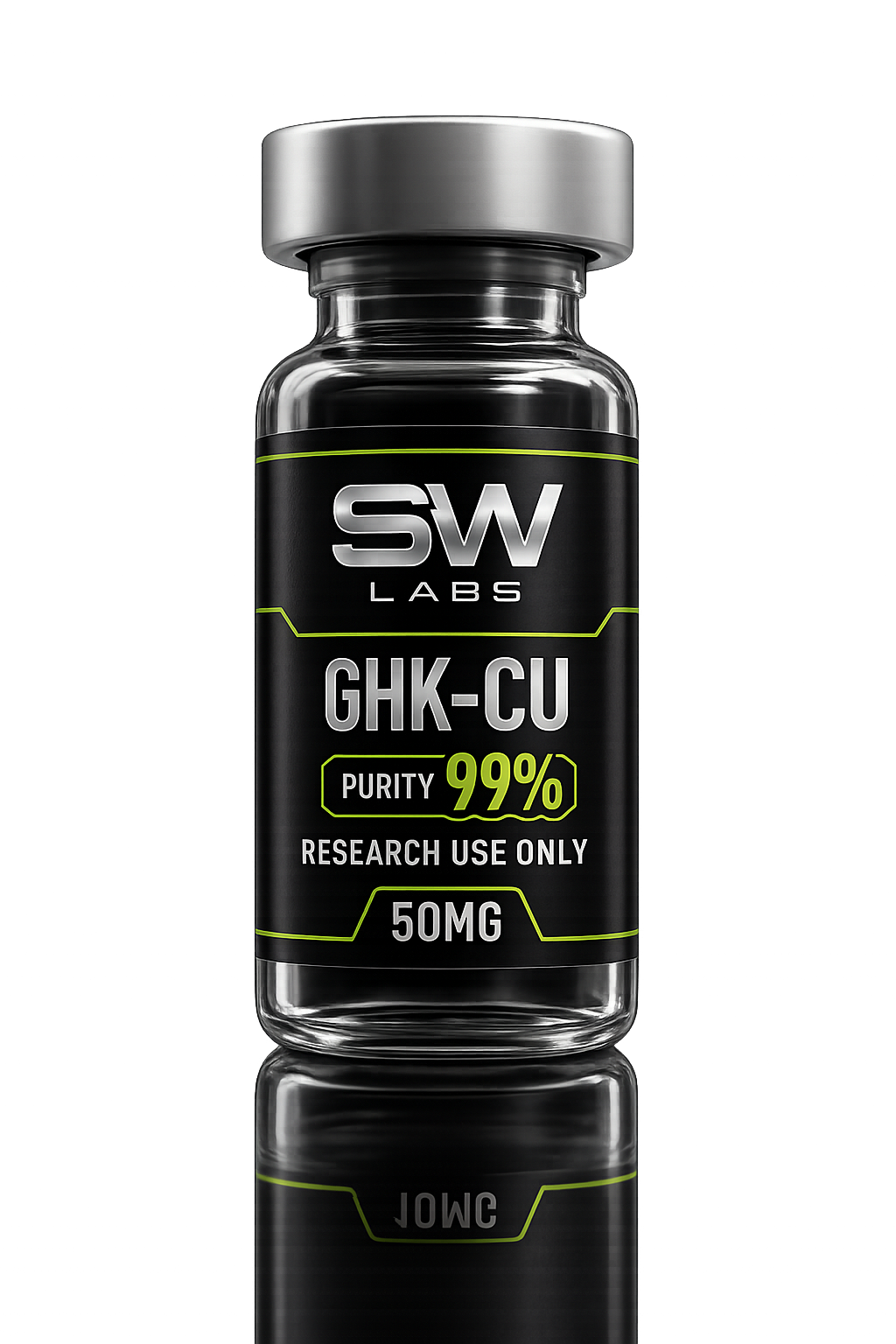
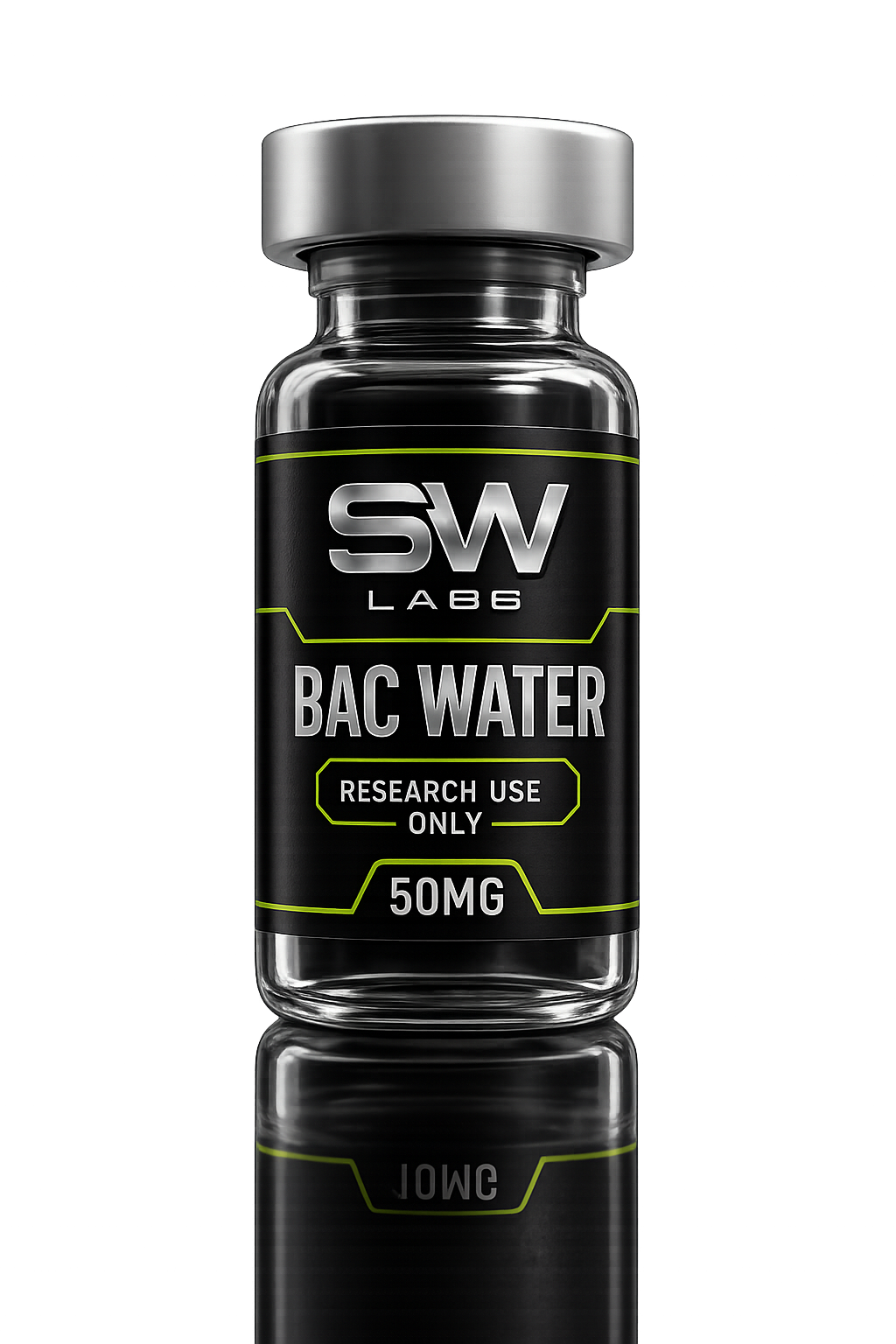
The catalogue page. Shows all 4 products in a grid. Visitors browse here after the home page. Each card links to the individual product detail page.
Page Sections
Individual Product Pages
Conversion PageThe most detailed pages. One per product. Visitors here are actively researching — they're close to buying. The Telegram 'Research Enquiry' button is the main CTA.
Page Sections
Contact Page
For visitors who prefer email or have specific questions. Has a working contact form and prominently features the Telegram link as the preferred channel.
Page Sections
04
ORDER PROCESS
How a customer goes from first visiting the site to completing an order. Every step is designed around the Telegram group.
Customer Finds the Site
Customer arrives via Google, social media, or a referral link. They land on the Home page and see the cinematic hero with product showcase.
Browses Products
Customer clicks 'See Products' → views the Products page. Clicks a product card → reads the individual product page with full compound info, purity, storage, and FAQs.
Clicks Telegram Button
On any product page, the primary green button says 'Research Enquiry'. This opens the Telegram group: t.me/+MBk5FkePIXg3YzQ1. This is the main conversion point.
Team Handles Enquiry
The customer sends a message in the Telegram group. A team member responds, confirms the product and quantity, provides payment details.
Payment & Confirmation
Customer pays via the agreed method. Team confirms payment received. Order is packed in discreet, cold-appropriate packaging.
Dispatch & Tracking
Order is dispatched within 48 hours. Tracking info (if available) is sent to the customer via Telegram. Job done.
KEY INSIGHT
The website itself does not process orders or take payment. Its entire job is to build trust and push people to Telegram. All actual transactions happen in the Telegram group. Keep that group active and responsive.
05
TELEGRAM WORKFLOW
How to handle customers once they message the Telegram group.
DO
- Respond within a few hours during operating hours
- Confirm exactly which product and quantity they want
- Confirm their delivery address and preferred shipping
- Always state: "for research use only"
- Send payment details privately via DM not in the group
- Confirm dispatch with a message when sent
- Follow up if customer doesn't respond within 24h
DON'T
- Never make medical or dosage advice claims
- Never say products are "for human use"
- Don't post payment details publicly in the group
- Don't promise specific delivery dates you can't keep
- Don't ignore messages — even a "we'll get back to you" helps
- Don't confirm an order without confirming payment first
Example Telegram Exchange
Customer
SW Labs
Customer
SW Labs
06
PRODUCT MANAGEMENT
How to add, edit or update products on the website.
ALL PRODUCT DATA IS IN ONE FILE
Every product's information — name, description, dosage, purity, molecular data, storage, handling, FAQs — lives in a single file:
Open products.ts
Navigate to C:\Users\willi\sw-labs\src\data\products.ts in your code editor (VS Code recommended). This file contains the full array of all products.
Add a New Product
Copy an existing product object and paste it as a new entry in the products array. Update all fields: id, name, slug, image, dosage, purity, category, tagline, description, researchInfo, storage, handling, faqs, relatedProducts.
Add the Product Image
Save the product vial image to: C:\Users\willi\sw-labs\public\images\ Name it exactly as referenced in the 'image' field (e.g. new-product.png).
Create the Product Page
Create a new folder: src/app/products/[slug]/ and add a page.tsx file. Copy the format from any existing product page (e.g. retatrutide/page.tsx) and update the slug.
Build & Deploy
Run: npm run build Then: netlify deploy --prod --site 27c5ea3b-8f88-40e5-9886-b33adc90989b The site will be live within 2 minutes.
UPDATING EXISTING PRODUCT INFO
To change a product's description, purity, pricing note, FAQs, or any other content — just edit the relevant entry in src/data/products.ts and redeploy.
cd C:\Users\willi\sw-labs
npm run build
netlify deploy --prod --site 27c5ea3b-8f88-40e5-9886-b33adc90989b
07
QUICK REFERENCE
Key Links
Key Files
src/data/products.ts
All product data — edit this to update content
src/app/page.tsx
Home page — hero, sections, CTAs
src/components/Navbar.tsx
Navigation bar — links, Telegram button
src/components/Footer.tsx
Footer — links, disclaimer
public/images/
All product images, logo, hero background
netlify.toml
Deployment configuration
Deploy Commands (run in: C:\Users\willi\sw-labs)
Run Locally
npm run dev
Opens at localhost:3000
Build for Production
npm run build
Compiles the site
Deploy Live
netlify deploy --prod --site 27c5ea3b-8f88-40e5-9886-b33adc90989b
Pushes to Netlify
Current Products